IDEATION
UNDERSTANDING THE PROBLEM
In today’s world, smartphone addiction has become a widespread concern, affecting how we work, connect, and spend our free time. While many people turn to built-in tools or third-party apps to manage their screen time, these solutions often fall short of creating lasting behavioral change. Despite our desire to disconnect, we frequently find ourselves spending more time on our phones than we intend. This raises an important question: is there room for a new kind of phone addiction app that can better address this issue?
EXISTING SOLUTIONS
After exploring what’s currently available, we identified four common problems:
- Affordability: Many apps require subscriptions, which discourages use. External devices are also expensive.
- Ineffectiveness: Restrictions are easy to ignore or bypass.
- Accessibility: Complex interfaces and extra features make apps harder to use.
- Negative Framing: Many apps treat phone use as a bad habit, which can create guilt rather than motivation.
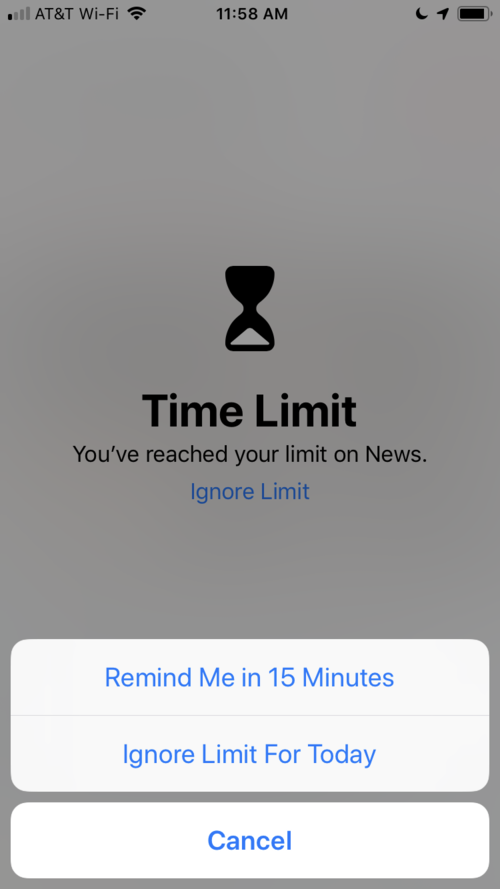
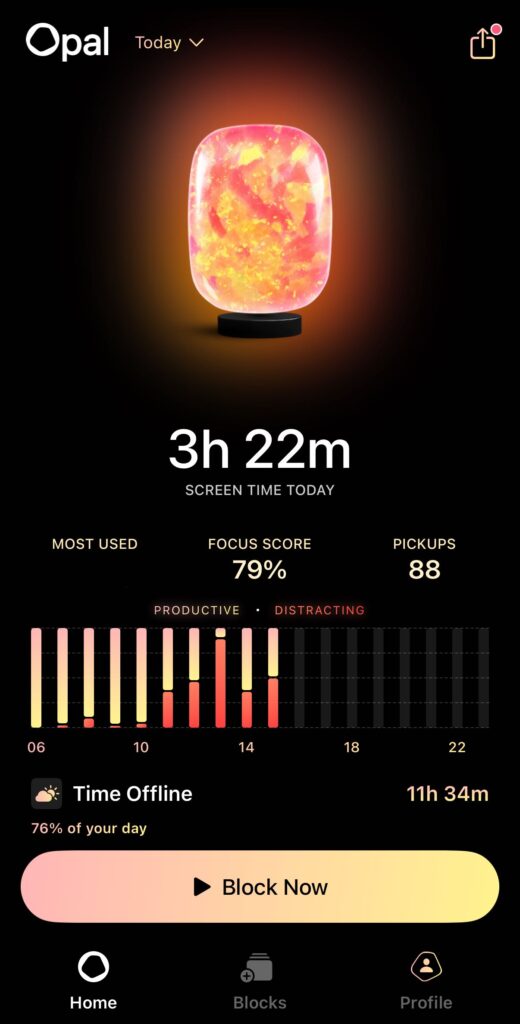
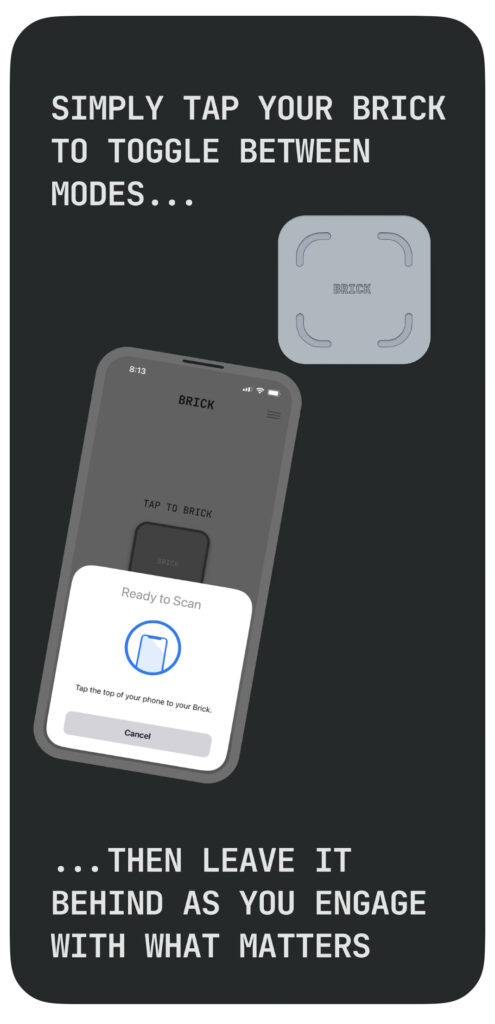
Some existing solutions that we identified:
OUR APPROACH
Smartphones are a necessary part of modern life. They help us stay connected, organized, and informed. The challenge is not to get rid of them but to use them more mindfully. We wanted to build an app that helps users find balance instead of enforcing harsh limits.
OUR SOLUTION
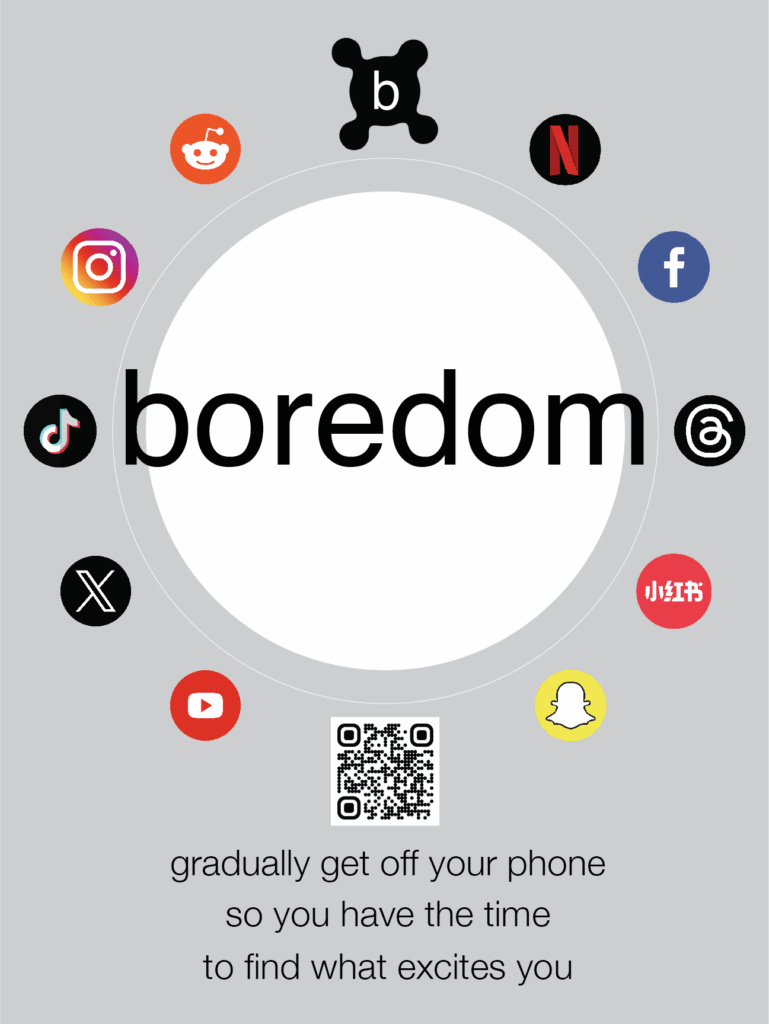
Our app, Boredom, is a free mobile application that helps users manage screen time in a subtle and effective way. It includes core features like blocking distracting apps based on a schedule and providing useful phone usage data.
What sets it apart is Gradual Boredom, a feature that slowly reduces daily screen time based on user behavior. The adjustments are small enough to go unnoticed but make a real difference over time:
- If usage is low, the app applies a slightly larger reduction to encourage progress.
- If usage is high, the app makes smaller changes to keep things manageable.
Boredom solves the four key issues we found in other apps. It is free to use, easy to navigate, built to be ignored, and focused on helping users develop healthier habits without guilt.
WHY THE NAME ‘BOREDOM’ ?
We considered what users would do with their extra time. We believe boredom can be a good thing. In a world full of constant stimulation, we rarely sit still. But boredom encourages reflection, creativity, and personal growth. By helping users rediscover boredom, our app promotes meaningful use of time and space for new habits to form.
WHO IT HELPS (USER PERSONA)
Emily
Emily is 24, recently graduated, and has been working at her company for a year. She wants to get promoted but finds paying rent stressful. She struggles with distractions, especially pop-up messages that tempt her to check her phone. Emily has tried several methods to stay focused, including the brick mode (which locks the screen after a set time) and the Pomodoro technique, but they haven’t worked for her. She often extends breaks or ends up scrolling endlessly. She’s also tried other screen-time control apps, but most require a subscription, which she can’t afford. Emily is looking for a free app to help improve her productivity without adding extra financial stress.
Neb
Neb is a 32-year-old employee. He has already got used to a point-to-point lifestyle – going to work and then returning home, and he has few social interactions outside of work. He lives alone, so he got nothing else for entertainment but his phone. As soon as he gets back from work, he looks at his phone until he goes to sleep, spending long hours on it. He has noticed his eyesight worsening every day and finds it increasingly difficult to stay focused at work. Neb hopes to find an app that can help him change his lifestyle and reduce his screen time. He is also looking for meaningful ways to spend his free time but isn’t sure where to start.
LOFI DESIGN
We had a strong idea of what the app needed to do, but we had to design it in a way that felt natural and unintrusive. We took inspiration from the Japanese fashion house Comme des Garcons, specifically their Dot Eau De Parfum designs. We felt that it was simple yet eye catching which fit the vision for our app. Using Figma, we built a simple layout that focused only on what users truly need. The result was a clean, minimal design that is intentionally plain but fully functional and easy to use.
Our Low-fi Figma Prototype:
These prototypes provide a glimpse into the app’s potential user interface, ensuring an intuitive and user-friendly experience. By combining thoughtful design with a focus on functionality, we are working toward a solution that not only addresses the issue at hand but does so in a way that resonates with our target audience.


MOBILE APP
DEVELOPMENT TOOLS AND TECHNOLOGIES
The Boredom app is built using:
- Programming Language: Kotlin for Android development
- UI Design: XML layouts with ViewBinding for cleaner code
- Architecture: Activity-based navigation with SharedPreferences for data persistence
- Data Visualization: MPAndroidChart library (specifically BarChart and PieChart components)
- Design Tools: Figma for UI/UX design mockups
System Integrations: UsageStatsManager for monitoring app usage time
KEY DESIGN CHOICES
- Minimalist UI: The app uses a clean, minimalistic design with a monochromatic color scheme (blacks, whites, grays) with accent colors for data visualization
- Expanding Menu: The main interface features a central “boredom” button that expands to show additional menu options with animated transitions
- Data Visualization Approach:
- Bar charts for weekly usage patterns across categories (Entertainment, Work, Social)
- Pie charts for usage distribution analysis
- Comparison view for this week vs. last week
- App Categorization System: Custom database of popular apps categorized by type (Entertainment, Social, Productivity, etc.)
- User Control Mechanisms:
- App blocking features by category
- Custom time goals with time picker interface
- Usage monitoring service running in the background
DEVELOPMENT CHALLENGES
Several technical challenges are evident in the codebase:
- Permission Management: The app requires sensitive Usage Access permissions to function properly, requiring careful permission handling
- Background Service Implementation: The AppUsageMonitorService needs to continuously run to track app usage while minimizing battery impact
- Complex UI Animations: The expanding/collapsing menu system with animations and positioning requires careful implementation
- App Categorization: Creating and maintaining an accurate database of apps by category (Entertainment, Social, etc.)
- Data Visualization Complexity: Setting up multiple chart types with appropriate styling and interactive features
- State Management: Tracking expanded/collapsed states across UI components and persisting user preferences
The app demonstrates a focus on helping users monitor and control their screen time usage by categorizing applications and providing visualization tools to understand usage patterns. The development approach shows attention to both user experience and technical implementation of usage monitoring features.
PROMOTIONAL MATERIAL